

When I started building VSDView — a GTK4 viewer for Microsoft Visio files — I initially relied on libvisio, the C++ library from The Document Foundation (TDF) that powers Visio import in LibreOffice. It worked, sort of. But as I pushed it harder with real-world diagrams, the cracks became impossible to ignore.
So I wrote my own parser. It started as VSDView’s built-in rendering engine, and has now been extracted into a standalone library: libvisio-ng.
Here’s why, and what the difference looks like in practice.
The Problem with libvisio (C++)
libvisio is a reverse-engineered parser. It was built primarily for LibreOffice’s document import pipeline, not for high-fidelity rendering. The limitations become obvious quickly:
- No theme support — Visio’s theme system (QuickStyles, accent colors) is completely ignored. Shapes that rely on themes render as black outlines.
- No fill colors — Most shape fills are simply missing. You get wireframes instead of diagrams.
- No connectors/arrows — The connection lines between shapes? Gone.
- No gradients or shadows — Visual polish completely absent.
- Broken text positioning — Text lands in the top-left corner instead of being centered in shapes. Colors are wrong. Multi-line text collapses.
- Dark theme destruction — If you’re running a dark desktop theme, libvisio renders white text on white backgrounds. Diagrams designed for light backgrounds become unreadable.
Side-by-Side Comparisons
Let me show you what this actually looks like. Same Visio files, rendered by both engines.
Network Architecture Diagram
A typical network topology with shapes, connectors, and labels:

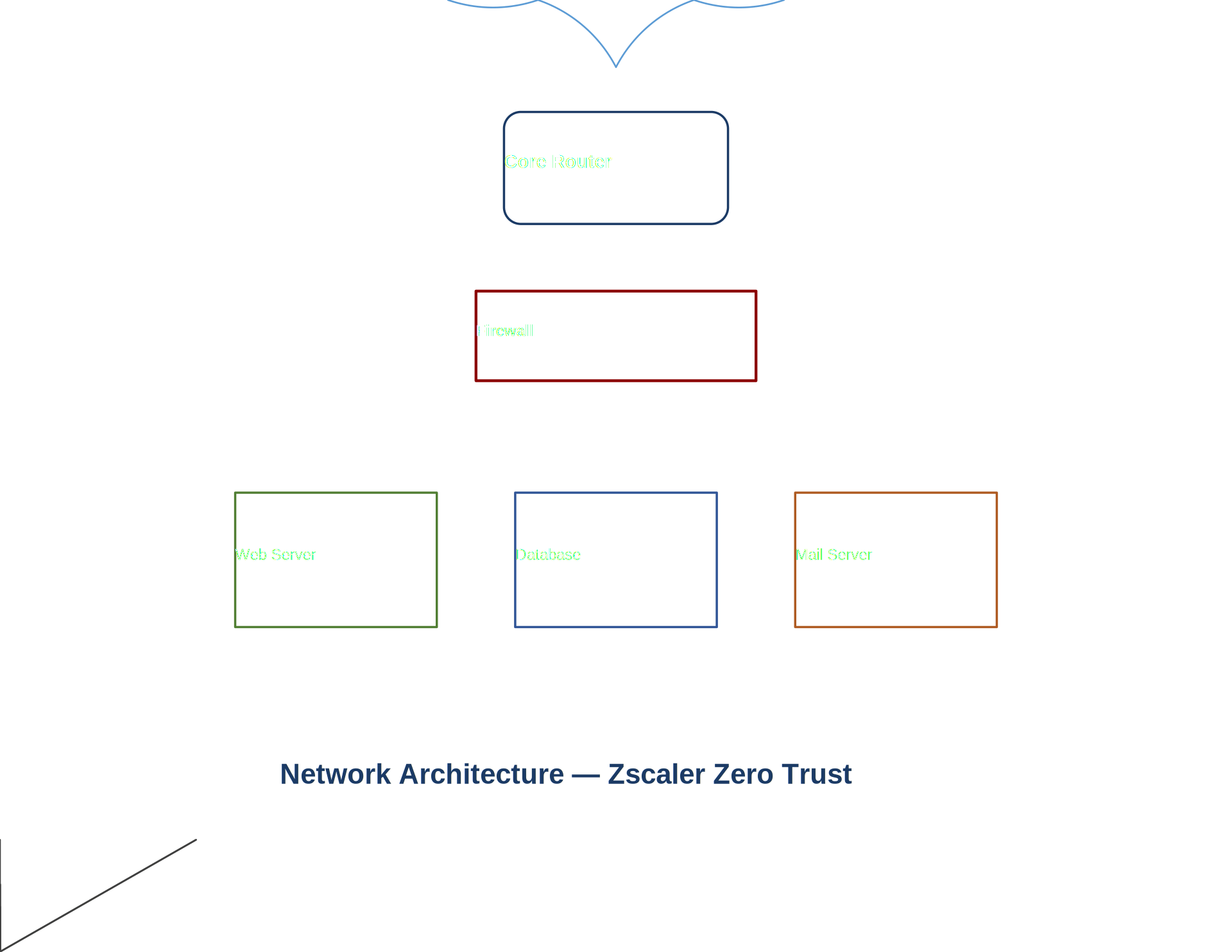
The difference is stark. libvisio-ng renders the full diagram with colored shapes, directional arrows, and properly formatted text. libvisio gives you a skeleton — outlines with misplaced, barely-legible labels and zero connection lines.
Comprehensive Feature Test
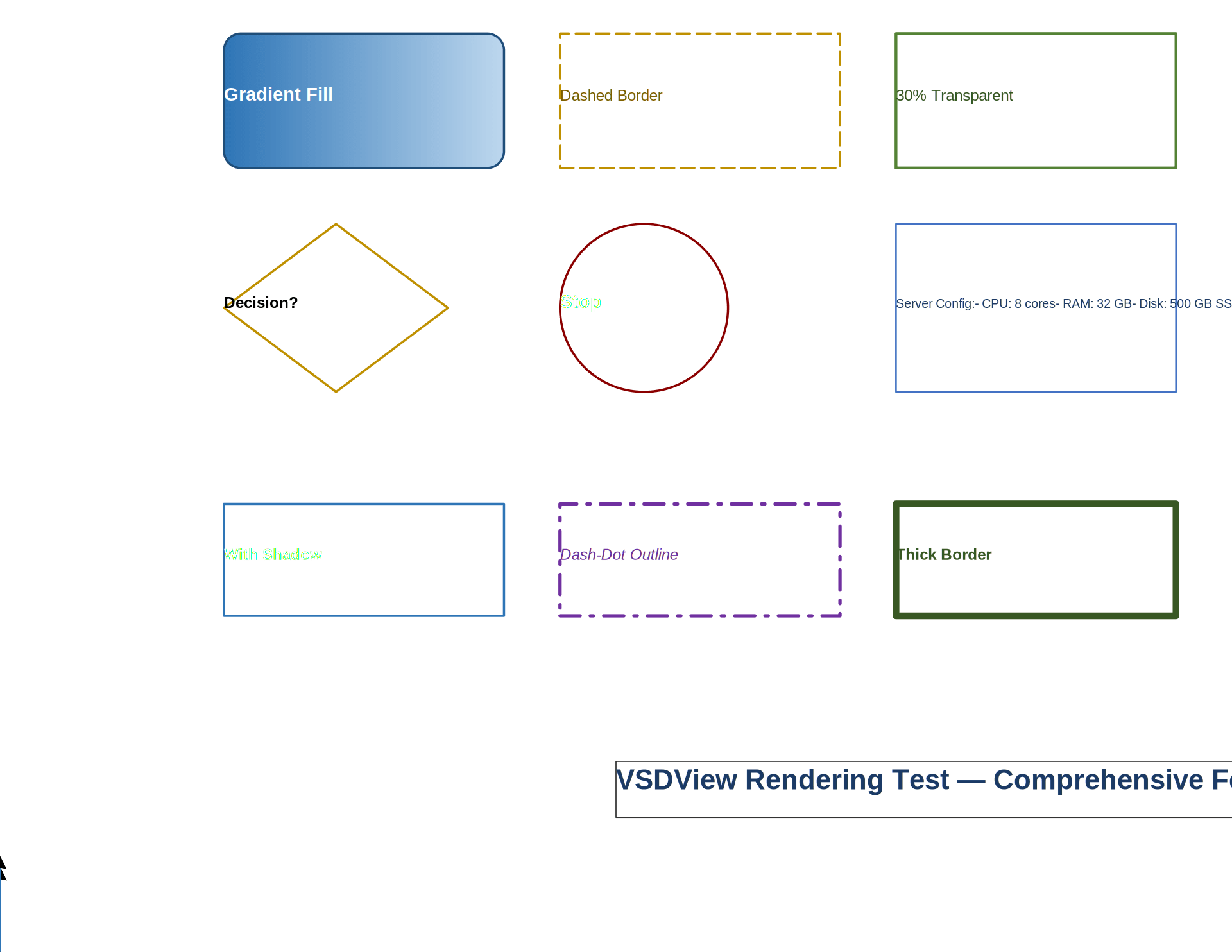
A test file exercising gradients, shadows, transparency, dashed borders, thick outlines, and connectors:

Mikrotik Network Equipment Stencil
A hardware stencil diagram with embedded images and detailed port layouts:


Feature Comparison
| Feature | libvisio (C++) | libvisio-ng (Python) |
|---|---|---|
| Shape fills (solid) | ❌ | ✅ |
| Gradient fills | ❌ | ✅ |
| Theme/QuickStyle colors | ❌ | ✅ |
| Drop shadows | ❌ | ✅ |
| Transparency | ❌ | ✅ |
| Connectors & arrows | ❌ | ✅ |
| Text centering/alignment | ❌ | ✅ |
| Embedded images | ⚠️ Partial | ✅ |
| Background pages | ❌ | ✅ |
| Layer visibility | ❌ | ✅ |
| Master shape inheritance | ⚠️ Basic | ✅ Full |
| StyleSheet cascade | ⚠️ Partial | ✅ |
| Binary .vsd support | ✅ | ✅ |
| Zero C++ dependencies | ❌ | ✅ |
| pip install | ❌ | ✅ |
Architecture: How libvisio-ng Works
libvisio-ng is a pure Python library with minimal dependencies (olefile for binary .vsd format). For .vsdx files (the modern XML-based format), it has zero external dependencies — it reads the ZIP archive directly and parses the XML with Python’s standard library.
The rendering pipeline:
- Parse ZIP — Extract pages, masters, themes, media, stylesheets, and relationships
- Resolve inheritance — Walk the master shape → stylesheet → theme chain to resolve every visual property
- Generate SVG — Convert Visio’s coordinate system to SVG paths, applying transforms, fills, gradients, shadows, and text layout
- Export — Optionally rasterize to PNG/PDF via CairoSVG or rsvg-convert
The key insight that makes libvisio-ng work where libvisio doesn’t: Visio’s theme system is not optional. Modern .vsdx files store almost nothing as explicit colors — everything references themes via THEMEVAL(), QuickStyleFillColor, and accent indices. If you don’t resolve those references, you get black wireframes. libvisio-ng fully resolves the theme chain.
Quick Start
pip install libvisio-ng

# Convert to SVG
from libvisio_ng import convert
svg_files = convert("diagram.vsdx", output_dir="output/")

# CLI
visio2svg convert diagram.vsdx -o output/
Status
libvisio-ng is at version 0.1.0 — early but already handling complex real-world diagrams significantly better than libvisio. It powers the rendering in VSDView 0.4.6 and is available as a standalone library on GitHub.
If you’ve been frustrated by libvisio’s output quality — or if you need to parse Visio files in Python without C++ dependencies — give it a try.
Lämna ett svar